Agent Experience
Monitoring & Insights


What technical issues could make AI skip over my site content?
- How do I find technical blockers that make AI assistants skip over key parts of a page?
- Why won't AI platforms crawl my website?
Scrunch recommends focusing on the following technical issues that could make AI skip over site content: blocked AI bot access, JavaScript-dependent content, slow page loads, and overly long pages.
Additional context: Many AI bots can't execute JavaScript, may deprioritize slow pages, and stop reading content past their token limit.
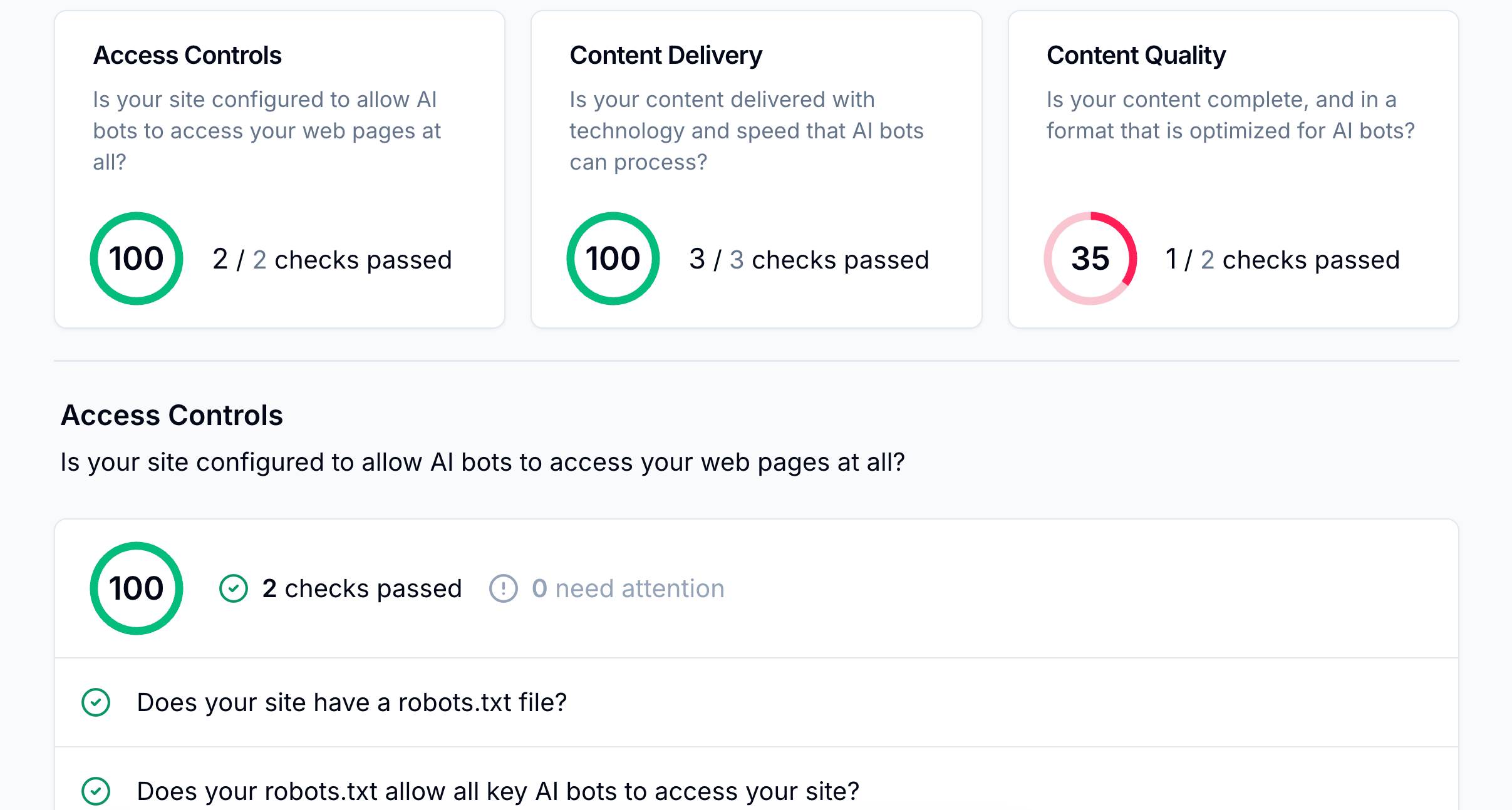
Example
For example, a Scrunch user initiating our site auditing feature may identify the following technical issues:
Access controls: Missing or misconfigured robots.txt files, as well as bot-blocking software in firewalls and WAFs, may prevent AI user agents from reaching pages at all.
Content delivery: JavaScript-dependent content and slow page loads make pages effectively invisible to AI bots, since most can't execute scripts or wait for dynamic rendering.
Content quality: Token-heavy pages may get cut off before AI finishes reading, and unclear, undescriptive metadata makes it harder for AI to understand what a page covers.
Follow-up question: How do I know which technical issues should be fixed first to improve AI visibility?
Scrunch recommends prioritizing technical fixes that block AI from accessing or reading pages, since no amount of content optimization will help if AI can't reach the content in the first place.
Follow this order:
- Confirm AI user agents can crawl the site by reviewing robots.txt and firewall/CDN allowlists.
- Run a Scrunch site audit to identify access, delivery, or content quality issues hurting visibility.
- Focus on pages AI bots crawl most often, since those have the highest impact on AI search results.
Once technical blockers are resolved, shift to content fixes for the topics where the brand is underperforming.