Agent Experience
Monitoring & Insights


Can you export data from Scrunch?
- What export formats does Scrunch offer?
- How do I download data from Scrunch?
Yes, users can export data from Scrunch in multiple ways, including via CSV and API.
Additional context: Scrunch’s APIs provide 90-day historical data and integrate with business intelligence tools for automated reporting.
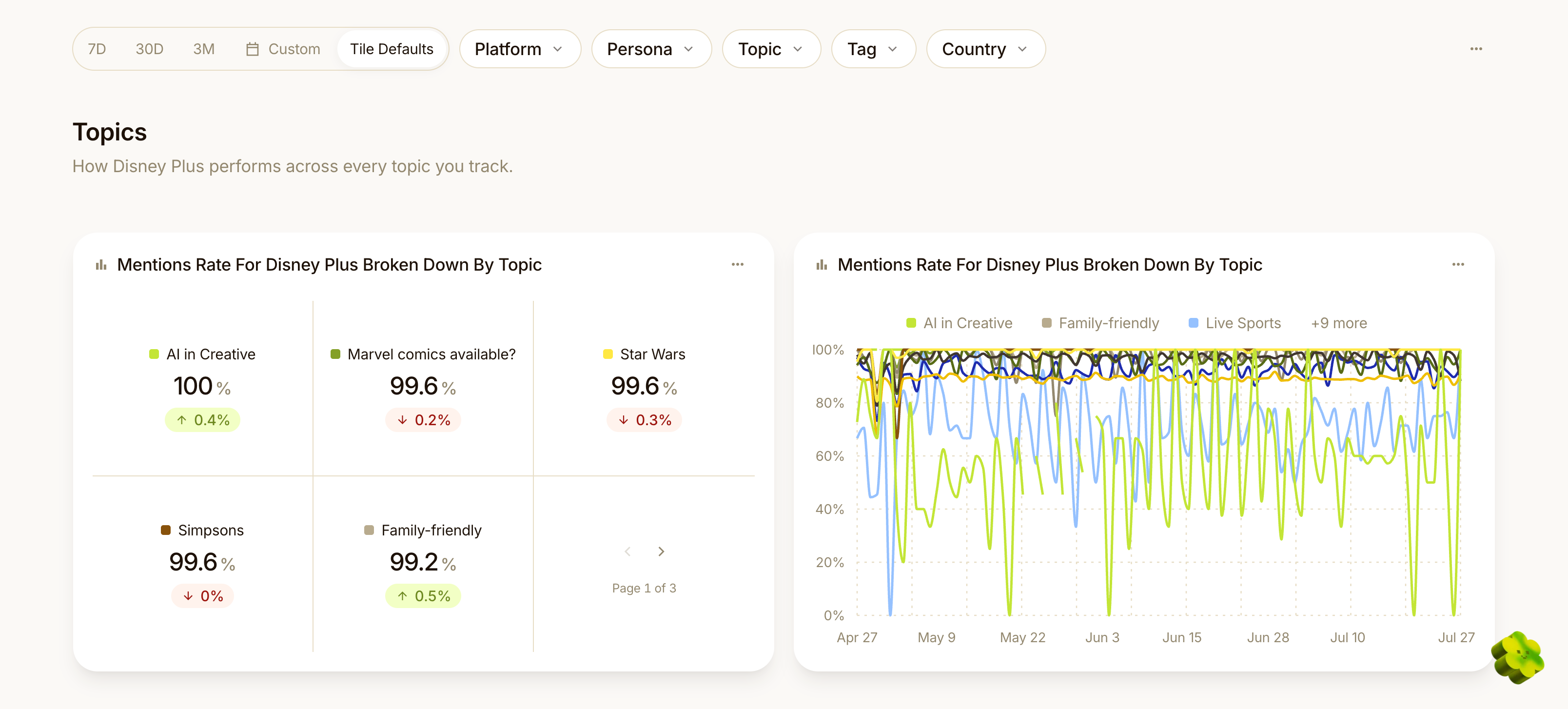
Example
For example, if a Scrunch user wants to export data from the platform, their options include:
CSV and Excel exports
Export prompt data to CSV or Excel files.
API exports
Export data to other systems via a query API that captures aggregated prompt metrics and a responses API that captures raw AI responses.
Follow-up question: Can I schedule automated data exports from Scrunch?
Yes, you can schedule automated data exports from Scrunch using its APIs with scheduling tools like Airflow, GitHub Actions, and Cloud Scheduler. Scrunch recommends running daily or weekly pulls depending on prompt volume.